How to Download the Medieval Frontiers Demo
The Medieval Frontiers Demo is a separate free Steam app. Open its Steam page, choose Install Demo, and launch it from your Steam library. Steam lists the demo as released on February 19, 2026; this page was checked against the official listing on November 24, 2026.
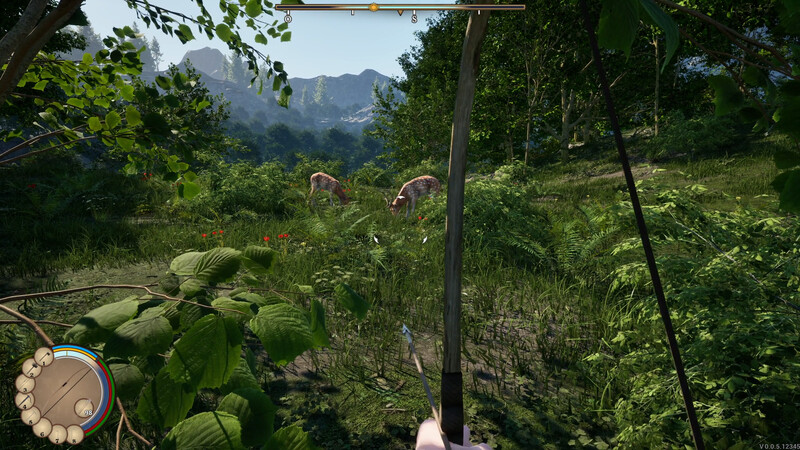
Get the demo on Steam
The demo is listed separately from the unreleased full game. Use the official demo page and select “Install Demo”; you do not need to buy the full game to download the demo.
Open the official Medieval Frontiers Demo pageWhat the official demo listing says you can do
The Steam description presents a first-person settlement and survival sample. It describes gathering and processing resources, freeform building, assigning villagers and housing, finding lost people, preparing food, and making medicines. The listing does not promise that every full-game system or planned feature is available in the demo.
- Build and furnish a settlement without a grid.
- Gather, process, store, and move resources.
- Manage villagers, their housing, tasks, and needs.
- Explore the valley and prepare food or medicine.
Platform, languages, and PC requirements
Steam lists Windows and SteamOS/Linux system requirements. The demo listing currently shows 13 supported interface languages, including English and Simplified Chinese. Requirements and language support can change, so check the Steam page before installing.
- Minimum Windows memory: 8 GB RAM; storage: 20 GB.
- Minimum graphics listed: NVIDIA GTX 1060 6 GB or AMD Radeon RX 580.
- Steam lists a 64-bit Linux/SteamOS configuration as well.
Demo vs. Early Access
The demo is a free preview app (Steam AppID 3450580). The full game is a separate Steam app (AppID 1207360) and is not yet available as a released product. The developer announced January 20, 2027 for launch; see the release-date page for the announcement and the store-page date discrepancy.
Check the announced Early Access dateWhat is not confirmed here
The official listing does not state whether demo saves will transfer to the full game, whether the demo has a fixed end point, or whether every feature shown in marketing is playable in the current build. We leave those questions open rather than infer an answer.